Tag: beginners

  • Why WordPress Is Still Worth Learning

    Why WordPress Is Still Worth Learning

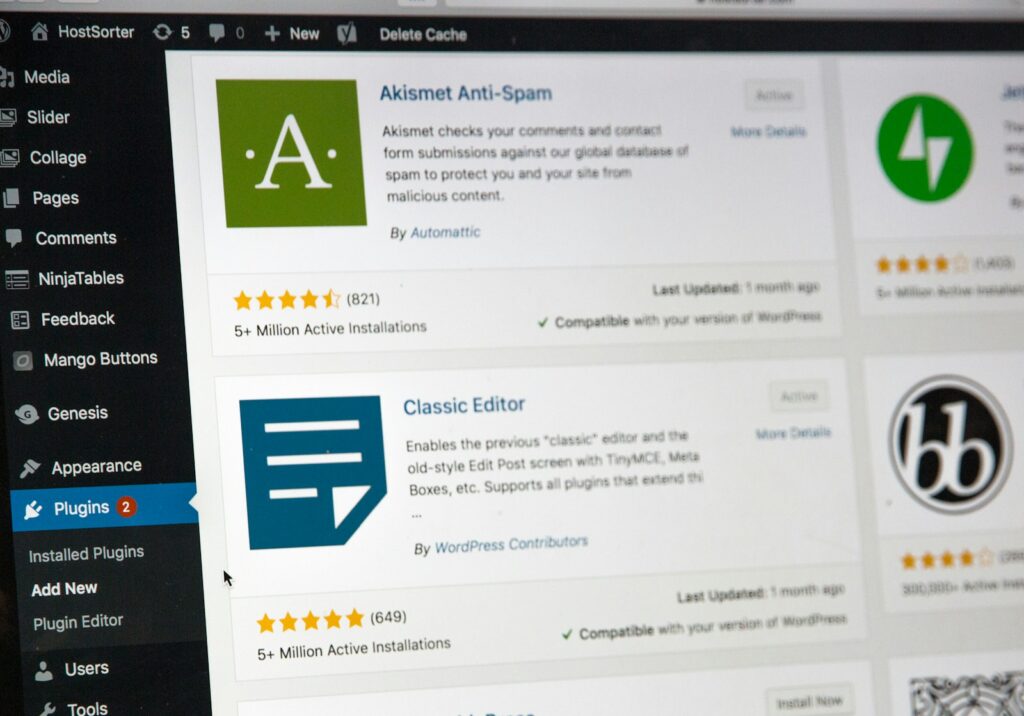
    With new website builders and drag-and-drop tools appearing every year, some people wonder whether WordPress is still relevant. The short answer: absolutely. WordPress remains the most widely used content management system in the world, powering everything from small personal blogs to major business websites. Its strength lies in flexibility — you can customize almost any part of a site, install thousands of plugins, and grow your web presence without switching platforms.

    For beginners, WordPress is a practical skill with real career value. Understanding themes, plugins, and the WordPress dashboard opens the door to freelance work, portfolio building, and digital marketing roles. It also gives you a deeper understanding of how websites function behind the scenes — something you don’t get from closed, template-only builders.

    Most importantly, WordPress teaches you skills that transfer. If you decide to learn custom themes, PHP, or more advanced CMS systems later, you’ll already have the foundation. For creatives looking to build modern, adaptable websites, WordPress is still one of the smartest places to start.
  • Should You Learn Photoshop or Figma First?

    Should You Learn Photoshop or Figma First?

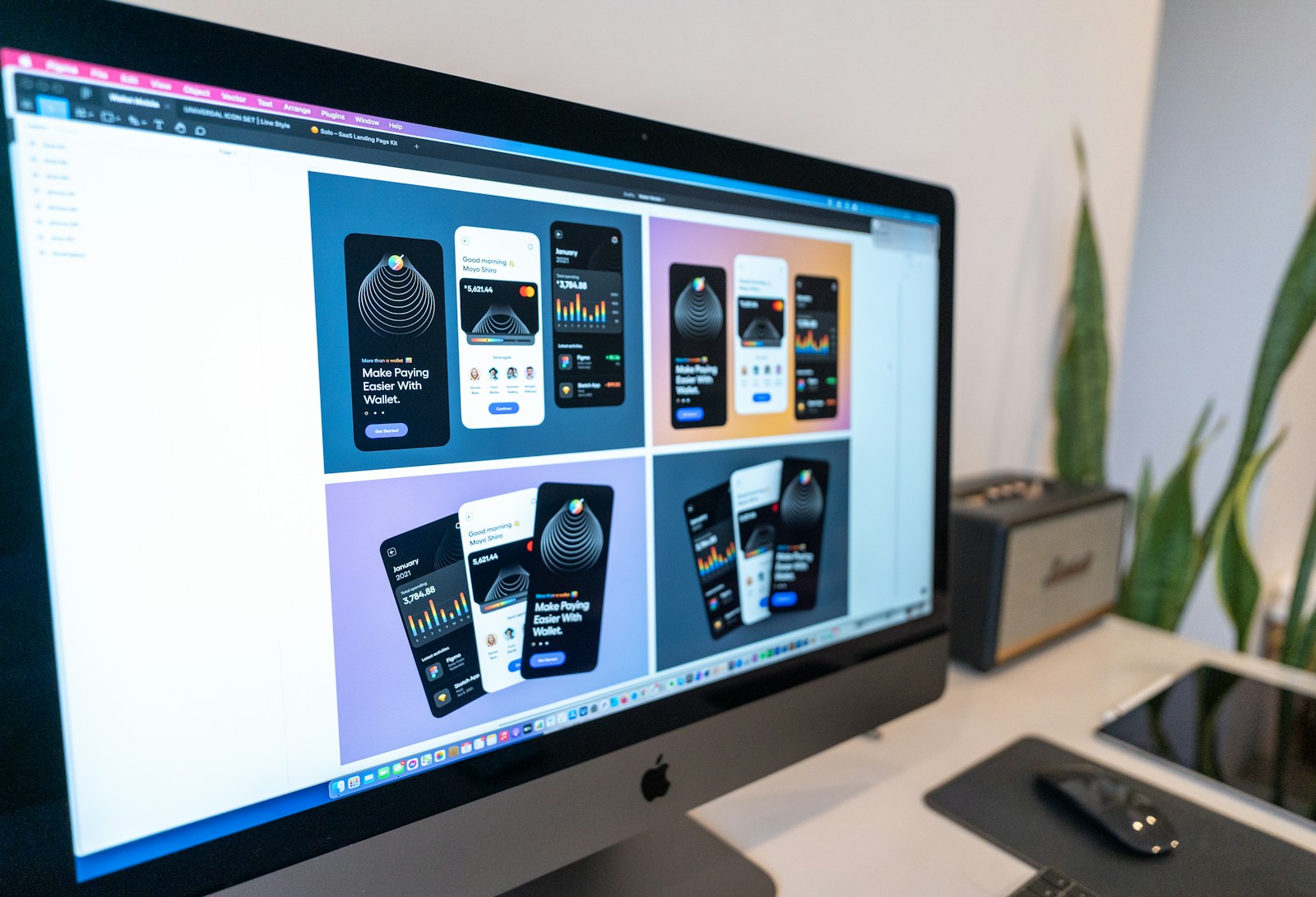
    If you’re just starting your design journey, choosing between Photoshop and Figma can feel overwhelming — both are powerful, industry-standard tools, but they serve different purposes. Photoshop is ideal for image editing, compositing, digital painting, and creative experimentation. It’s the place where pixels can be pushed, stretched, blended, and manipulated into almost anything. Figma, on the other hand, shines for interface design, prototyping, and collaborative workflows. It’s built for speed, structure, and real-time teamwork.

    Which should you learn first? It depends on your creative goals. If you’re interested in graphic design, social media content, or digital art, Photoshop gives you foundational skills that carry into many other tools. But if your focus is UI/UX, product design, or web/app layouts, Figma is the faster, more intuitive starting point. Its learning curve is gentler, and you can begin producing polished designs within a few sessions.

    The good news: you don’t have to choose forever. Most modern creatives use both tools in different parts of their workflow. Start with the tool that best aligns with your immediate goals, then expand as your creative practice grows.